
Development preview. These guides describe the new Focus workspace and subject cutout candidate. bitPhoto is not yet available to download. It is planned as a one-time purchase, with no subscription or account. See the current bitPhoto preview.
A subject cutout is just the beginning.
bitPhoto is a layered image editor for Apple silicon Macs with macOS 14 or later. Pocket Bits added on-device subject cutout with Apple Vision, the Focus workspace, sandboxed native file access and HEIC import to the open-source PhotoCraft foundation.
Open a photo and keep creating
- Choose File → Open and select your photo using the native file picker.
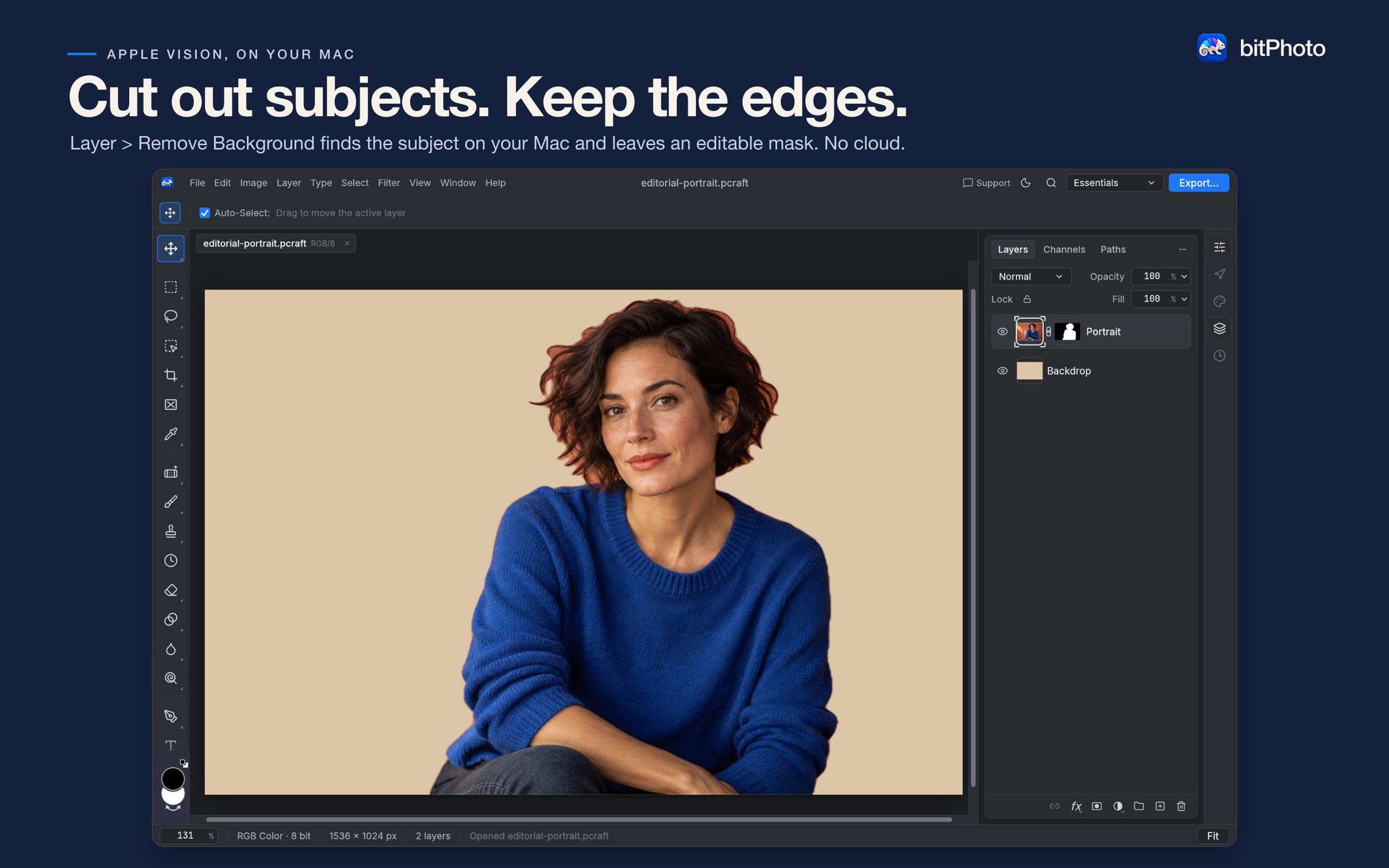
- To isolate a subject, choose Layer → Remove Background. The result is an editable layer mask. Follow the cutout guide.
- Combine photos, editable text and shapes as separate layers. Move elements, adjust opacity and use masks to control what shows.
- Use File → Save As to keep your layered project. Keep a separate layered master so you can return to your edits.
- Choose Export… for a PNG or JPEG to share.
The Focus workspace
Your layers stay front and center. Light and dark themes follow your Mac’s appearance, and the title-bar Export button keeps the finishing step close at hand.
Keep your originals
Supported layered PSD files can be opened, but complex text, color modes and effects may render differently. Preserve original files when exchanging documents. Adobe cloud services and Photoshop plug-ins are not included.
Local editing
Subject cutout uses Apple Vision on your Mac; the photo is not uploaded. Read the bitPhoto privacy section and open-source acknowledgments.