Battery Medic 1.2 is available. Requires macOS 12 or later; battery readings need a MacBook with a built-in battery. Supports Apple silicon and Intel. Get Battery Medic ↗.
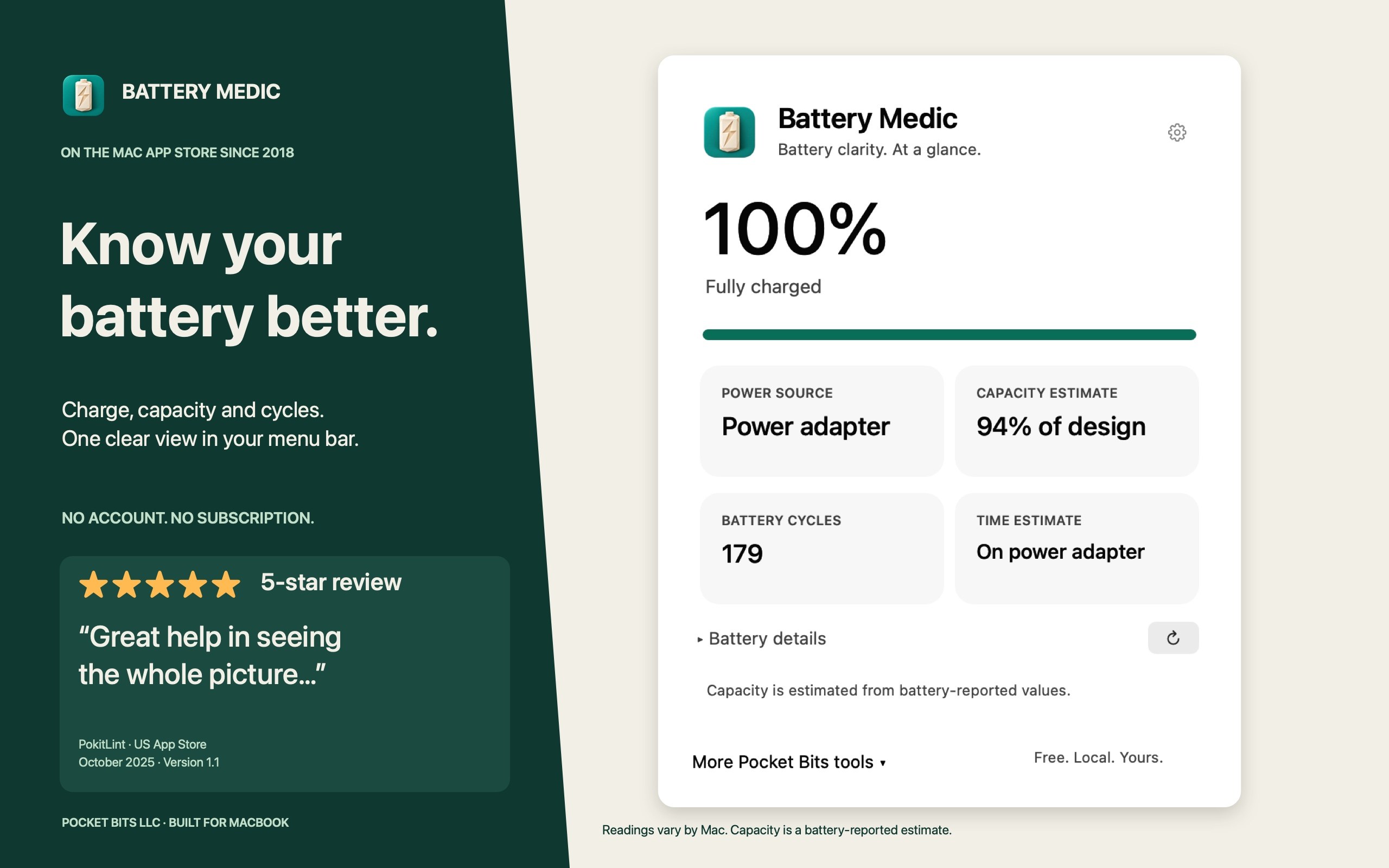
Know your battery better.
- Open Battery Medic. First launch shows the battery panel; later, click its menu-bar icon or reopen it from Finder.
- Check charge, power source, cycle count and available capacity estimates.
- Choose Battery details to expand available capacity, voltage and power readings. Choose Refresh for a fresh reading.
Capacity is a battery-reported estimate, not a diagnosis. Readings vary by Mac and macOS. Missing information is omitted or marked unavailable. Battery Medic does not repair batteries, restore capacity or set charge limits.
Choose your menu-bar information
Open Settings using the gear. Choose Show battery percentage or Show time estimate. Time appears only when macOS supplies an estimate; external power may show AC and missing estimates may show a dash.
Set optional battery alerts
- In Settings, choose Allow notifications and approve macOS permission.
- Set a low-battery or charged-to threshold.
- Keep Battery Medic running. Low alerts require battery power; charged-to alerts require external power.
- Use Send test alert to check your configuration. macOS notification settings and Focus can affect presentation.
Free battery features, optional app recommendations
Recommendations link to separate paid Pocket Bits apps; no purchase is needed for battery features. Dismissal is remembered. Known installed featured apps are skipped, and More Pocket Bits tools lets you browse choices or open an installed app.
Privacy
Battery readings, settings and checks for known installed apps stay on your Mac. Read the Battery Medic 1.2 privacy section.